You need to activate kiosk mode through the following steps.
If you are wearing Smartvest gloves, you can take these off for now.
01
Walk around and look for a menu. Use your hands to navigate.
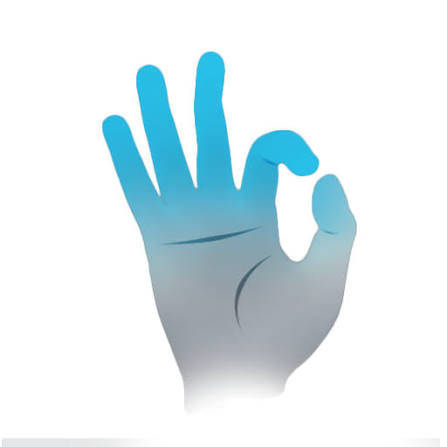
Pinch thumb and index finger to ‘click’.
02
Go to Settings > Advanced > Kiosk mode
03
Press Activate and select without password
04
The HMD should now connect to the training software.